
ActivepiecesIntegrations, built as workflows.
An integration stops being code somebody has to deploy and becomes a graph you can open, read and change.
Workflow layerRunnable demo
The boundary
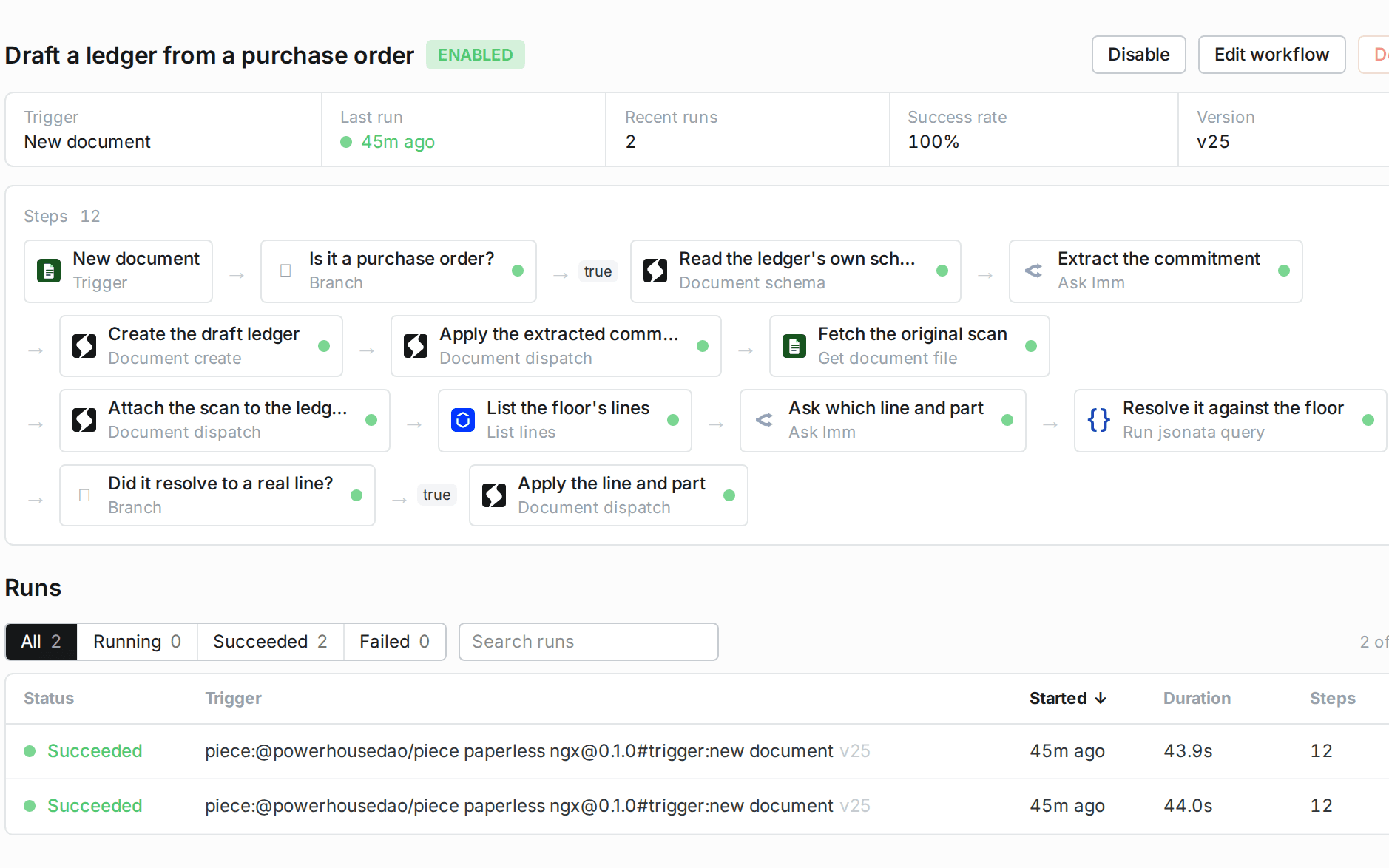
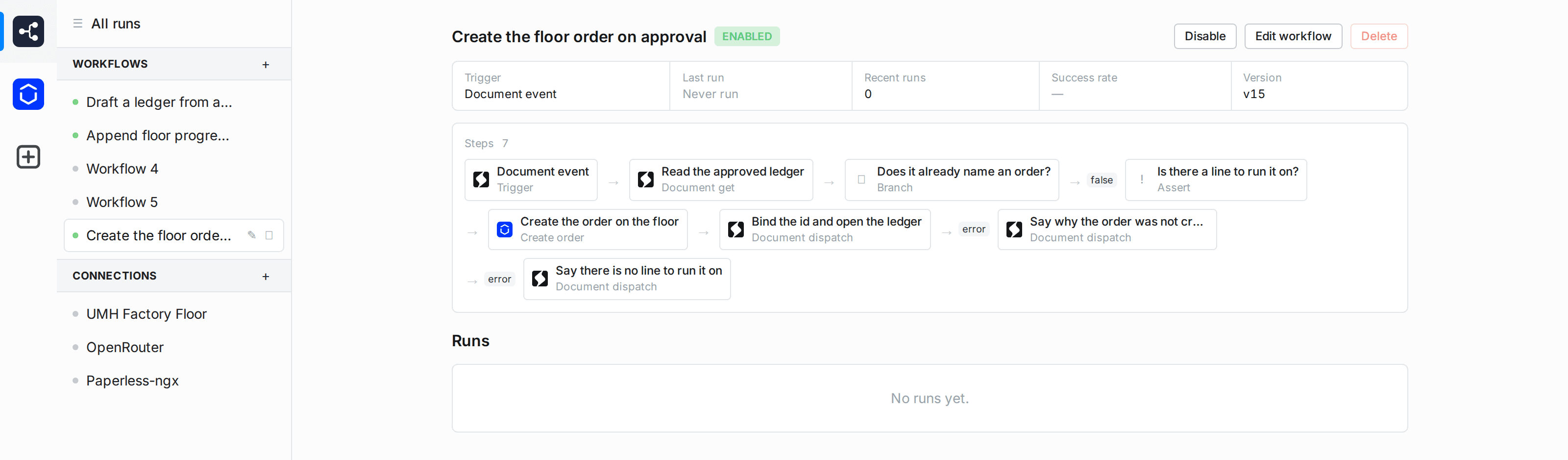
A workflow step that writes to a document declares the operations it is allowed to dispatch. The step that applies an extracted commitment permits one action type, so a model that returns something else cannot have it applied. The allow-list is the boundary, and it sits next to the step rather than in a policy document.
Creating a document and dispatching into it are separate blocks for this reason. Only the dispatch enforces an allow-list, so building a record empty and dispatching into it is what turns a request into a rule.
Piece code runs under an egress policy that denies private address space, because a piece's configuration is otherwise a request-forgery surface. Credentials stay on the reactor behind a secret reference, so a browser never holds them.
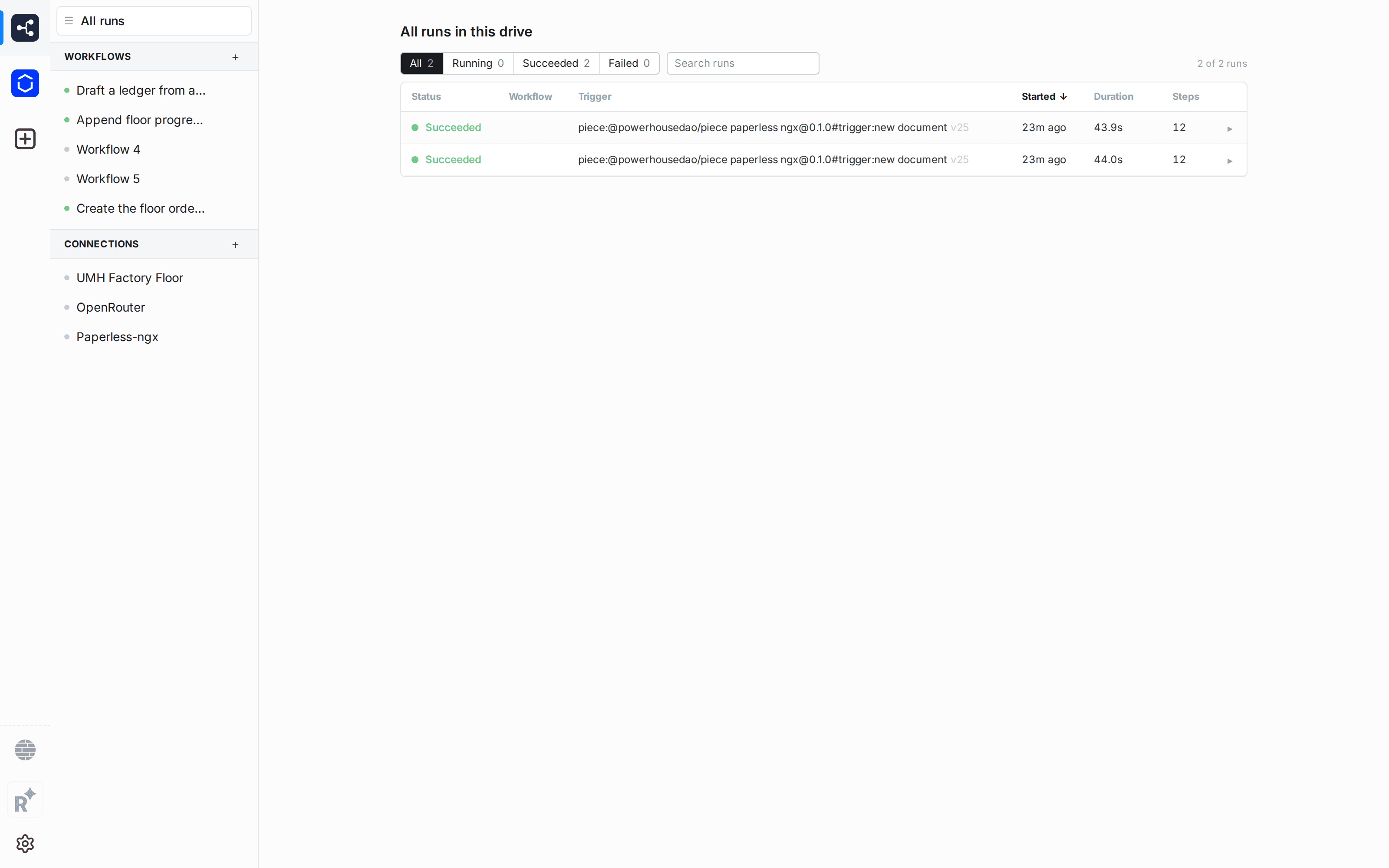
Every run is recorded with its steps, its outcome and its duration. A run that reaches a guard and decides to write nothing is a successful run, not a failure.
A workflow changes a document by dispatching operations into its log. What a run did is readable in the document's history: the operation, the time, and the workflow that dispatched it.
What is Activepieces?
Activepieces is an open-source automation platform with a catalogue of several hundred pieces, each one a connector to a service with its own triggers and actions. Powerhouse runs that catalogue inside the reactor, alongside pieces of its own that read and write documents.
- Data in
- Whatever a piece's trigger carries
- Structure
- Operations on your own document models
- Access
- Each write step names the actions it may dispatch
- Direction
- Set per workflow. What bounds it is the action list on each step, not the direction of travel.
How material gets in
- A piece's own trigger, such as a new document in an archive or a change on a factory floor.
- A document trigger, which sees every operation as it lands and reacts to the ones you name.
How it runs
- 01TriggerA piece polls a service, or a document trigger fires on an operation the reactor has just recorded.
- 02Branch and assertGuards that stop a run early, or refuse to continue when a precondition does not hold.
- 03ReadFind a document by its state, get a file from a source system, or hand a model the document model's own schema so a prompt cannot drift from it.
- 04DecideAsk a language model, or resolve its answer against a real list with a query, so what gets written came from the system rather than the model.
- 05WriteDispatch operations onto a document, against the allow-list that step declares.
Where the result shows up
One record, reachable from several places. The archive keeps the original document, and the structured state is available wherever the work happens.
- Workflow Studio
- Build and edit workflows as graphs, hold connections and their secrets, and read every run.
- Switchboard
- Runs the workflow runtime, holds the connections, and serves the run history over GraphQL.
- Connect
- Where the documents a workflow writes are reviewed and approved by a person.
Run it yourself
What you need
- The workflow runtime enabled on the reactor, and Workflow Studio enabled in Connect. Both are configuration, not a separate deployment.
- A pinned version for any piece the reactor does not already hold. Without one the name resolves only against local pieces, and an unresolved trigger fails silently.
Packages installed
- @powerhousedao/piece-reactor
- Document find, create, dispatch and schema. The blocks that touch a document model.
- @powerhousedao/piece-umh
- A piece written for one integration, held locally by the reactor that runs it.
- @activepieces/piece-open-router
- One of the catalogue's pieces, fetched from the registry at a pinned version.
Limits worth knowing
- Twenty-one of the catalogue's pieces declare a runtime dependency and cannot be loaded, because the reactor imports a piece bundle and installs nothing. The rest are self-contained and load normally.
- A workflow cannot call a function in your package. Work that needs a computation over document state stays in the reducer or behind a mutation, not in a graph.
- A trigger whose first enable failed backs off, and restarting does not clear the backoff. Toggling the workflow off and on re-enables it.
- Nothing re-fires automatically when a step fails against an external system. The trigger has already happened, so a retry is a deliberate act.
Start with a workflow assessment.
Find out where Powerhouse can improve operational efficiency. We structure the first workflow before a build starts.
All integrations